 Tivaro
Oracle Database client for Android
Run SQL and PL/SQL against Oracle Database from your phone. The thin driver is built in – nothing to install, no Instant Client, no Java.
Works with: Oracle Database (including the free 23ai edition) and Oracle Autonomous Database, using a host, port and service name.
How to connect to Oracle from Android
- Tap + New → Oracle.
- Enter host, port 1521 and the service name (for example
FREEPDB1), then user and password. - Tag the connection and choose auto-commit or manual transactions with Commit / Rollback.
- Connect – unquoted names are upper-cased the Oracle way, so
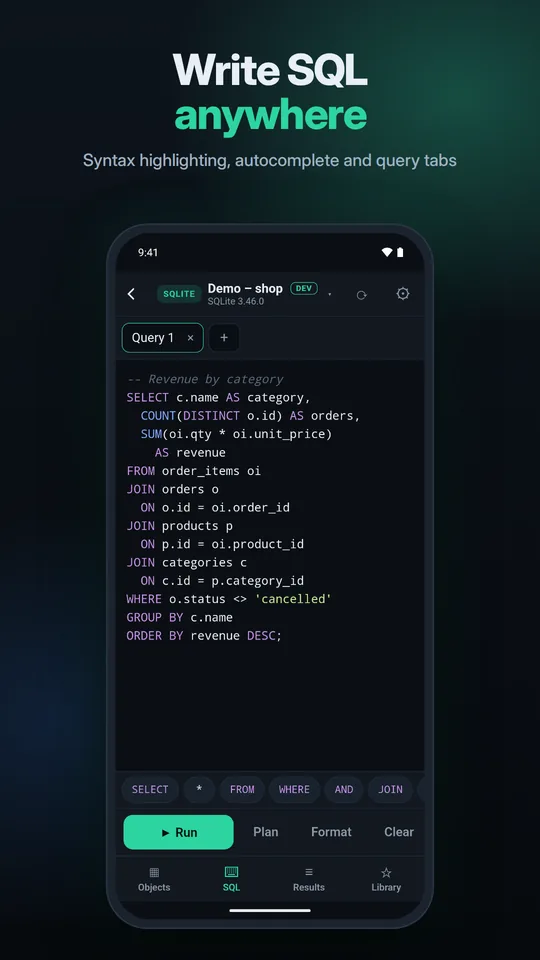
select * from employeesjust works.
What you can do
Built-in thin driver
Pure Rust implementation of the Oracle protocol – nothing extra to install.
SQL and PL/SQL
Scripts with PL/SQL blocks are split correctly.
Schemas and DDL
Tables, views, columns, indexes and generated DDL.
Transactions
Manual Commit / Rollback for careful work on production data.
Read-only & PROD tags
Confirmation before every change on production connections.
Export
Results to CSV and JSON, more formats in Pro.
Private and safe by design
TivaroSQL Studio connects directly from your phone to Oracle – there is no proxy server and no account. Passwords and keys are encrypted with Android Keystore, the app has no ads, analytics or tracking, and you can lock it or a single connection with your fingerprint.
Frequently asked questions
Do I need Oracle Instant Client?
No. The driver is built into the app.
Which identifier do I enter – SID or service name?
Use the service name, e.g. FREEPDB1 or ORCLPDB1.
Is Oracle support free?
Yes, all database engines are available in the free version.