 Tivaro
Redis client for Android
Look into a cache, check a key or flush a stuck queue from your phone. Commands work like in redis-cli, and keys are grouped by type in the navigator.
Works with: Redis, Valkey, Redis Cloud and Upstash.
How to connect to Redis from Android
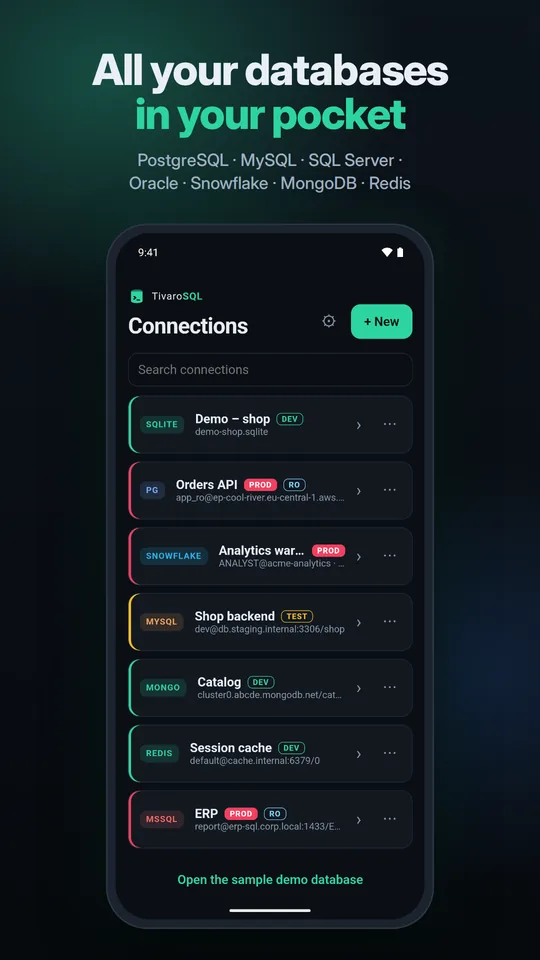
- Tap + New → Redis, or paste a
redis:///rediss://URL. - Enter host, port 6379, database number and password; enable TLS for Upstash or Redis Cloud.
- Connect – keys appear grouped by type (strings, hashes, lists, sets, sorted sets).
- Type one command per line, e.g.
GET session:42orHGETALL user:7.
What you can do
redis-cli style editor
One command per line, results in a grid.
Keys by type
Navigator groups keys so large databases stay readable.
TLS
Works with managed Redis that requires encryption.
Write protection
Write commands on PROD connections need confirmation.
Valkey & Upstash
Same protocol, same app.
History
Repeat recent commands with one tap.
Private and safe by design
TivaroSQL Studio connects directly from your phone to Redis – there is no proxy server and no account. Passwords and keys are encrypted with Android Keystore, the app has no ads, analytics or tracking, and you can lock it or a single connection with your fingerprint.
Frequently asked questions
Does it work with Upstash?
Yes – use the endpoint, port and password from the Upstash console with TLS enabled.
Can I use Valkey?
Yes, Valkey is Redis-compatible.
Can I accidentally FLUSHALL production?
Tag the connection PROD: every write command then asks for confirmation. Read-only mode blocks writes in the app.