 Tivaro
PostgreSQL client for Android
Connect to PostgreSQL straight from your phone, run queries with autocomplete, browse schemas and fix rows – without a laptop and without any server in the middle.
Works with: Neon, Supabase, Amazon RDS / Aurora, Amazon Redshift, CockroachDB, TimescaleDB, YugabyteDB and any server that speaks the PostgreSQL wire protocol.
How to connect to PostgreSQL from Android
- Tap + New and choose PostgreSQL – or paste a
postgresql://user@host:5432/dbURL or a JDBC string and the form fills itself in. - Pick the SSL mode (
disable,prefer,requireorverify-full). Cloud providers such as Neon and Supabase needrequire. - Optionally tag the connection as PROD and switch on read-only – the session is then opened read-only by the server.
- Tap Connect. Schemas, tables and views appear in the navigator; open the SQL tab and start typing.
What you can do
Schemas, tables, views
Columns with types, primary keys, indexes and the full DDL of every table.
Real SQL editor
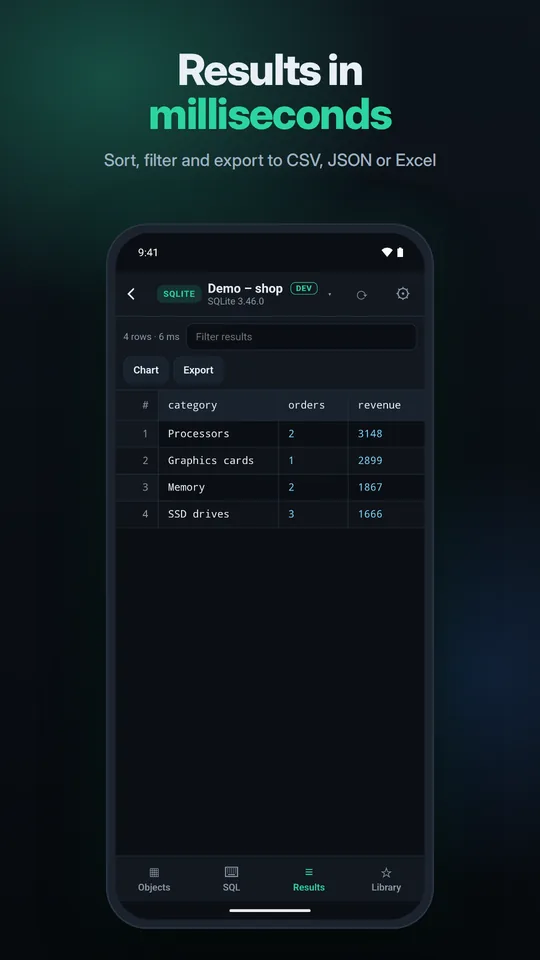
Syntax highlighting, table and column suggestions above the keyboard, run the statement under the cursor.
Safe row editing
Edit, insert or delete rows of tables with a primary key – each change is shown as SQL before it runs.
Transactions
Switch off auto-commit and use Commit / Rollback buttons – one persistent session per connection.
EXPLAIN & ER diagram (Pro)
Readable query plans with warnings about sequential scans and an interactive diagram of foreign keys.
SSH tunnel (Pro)
Reach databases in a private network through a bastion host, with server key verification.
Private and safe by design
TivaroSQL Studio connects directly from your phone to PostgreSQL – there is no proxy server and no account. Passwords and keys are encrypted with Android Keystore, the app has no ads, analytics or tracking, and you can lock it or a single connection with your fingerprint.
Frequently asked questions
Is there a free PostgreSQL client for Android?
Yes. TivaroSQL Studio is free to download; running SQL, browsing and editing tables work in the free version. Pro adds unlimited connections and tabs, SSH tunnel, EXPLAIN and the ER diagram.
Can I connect to Supabase or Neon from my phone?
Yes. Use the host, database, user and password from the provider's dashboard (or paste the connection string) and set SSL to require.
Does the app send my data to a server?
No. The phone connects directly to your database. There is no account, no analytics and passwords are encrypted with Android Keystore.